

- Go to https://copilotstudio.microsoft.com/ and Log in
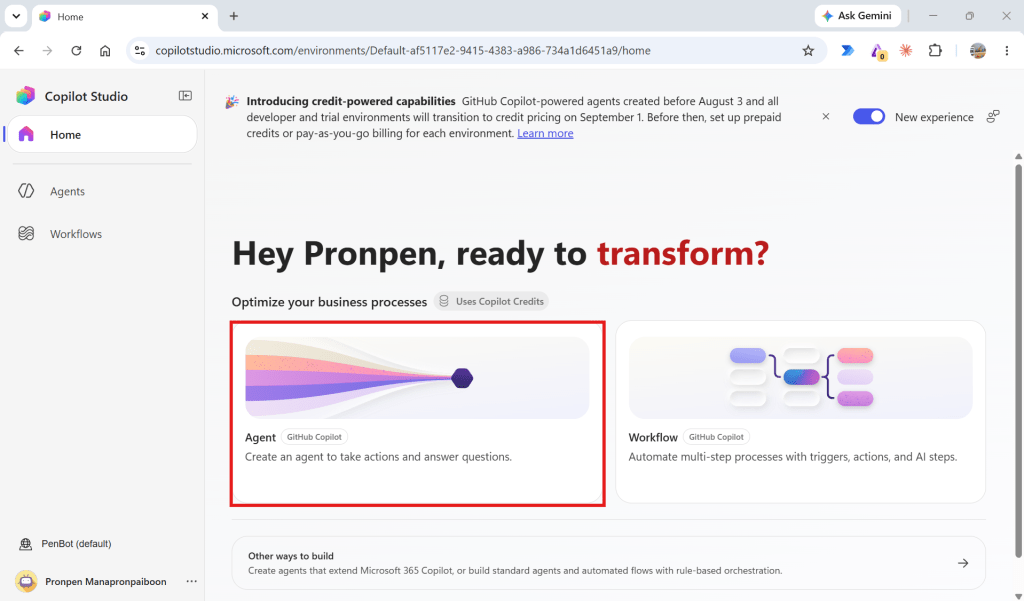
- Select the option to create a new Agent using the New Experience.
3. Name the Agent, add an image, and enter the Instructions.
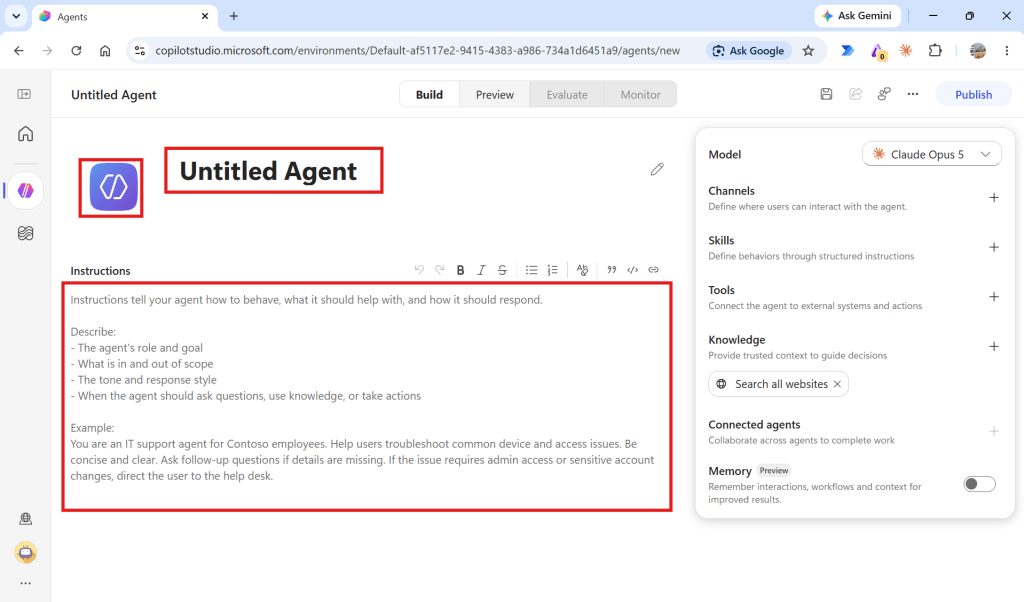
Example
Agent Name
Bitcoin Assistant
Instructions
You are Bitcoin Assistant, an AI assistant that helps users understand Bitcoin and cryptocurrency concepts. Your responsibilities - Answer questions about Bitcoin and cryptocurrency.- Use the configured knowledge sources whenever relevant.- Prefer information from the configured knowledge sources over unsupported assumptions.- Clearly distinguish facts from opinions or estimates.- If the requested information cannot be found in the available knowledge sources, say that you don't have enough information. Important limitations - Do not provide personalized financial advice.- Do not tell users that they should buy or sell Bitcoin.- Do not invent Bitcoin prices or market information.- For real-time Bitcoin prices, use the configured real-time price tool when available. Response style - Answer in clear and simple language.- Use examples when useful.- Use bullet points for comparisons.- When information comes from knowledge sources, provide the relevant source or citation when available.
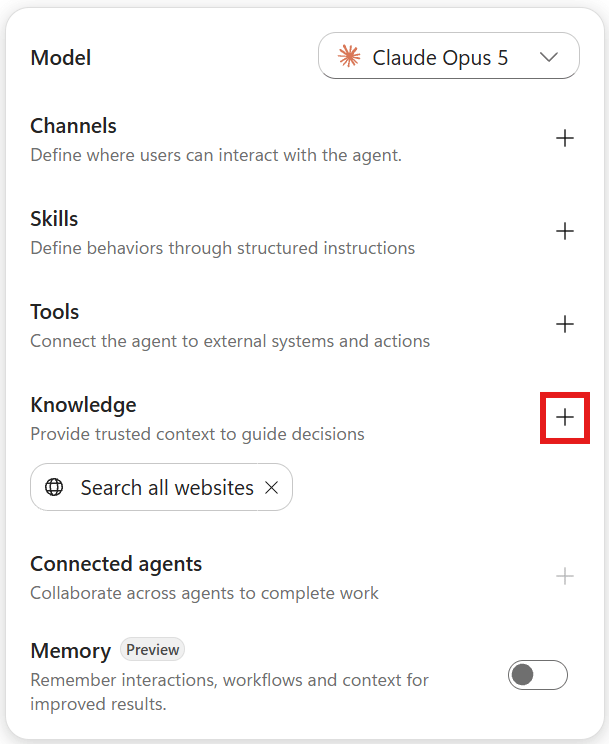
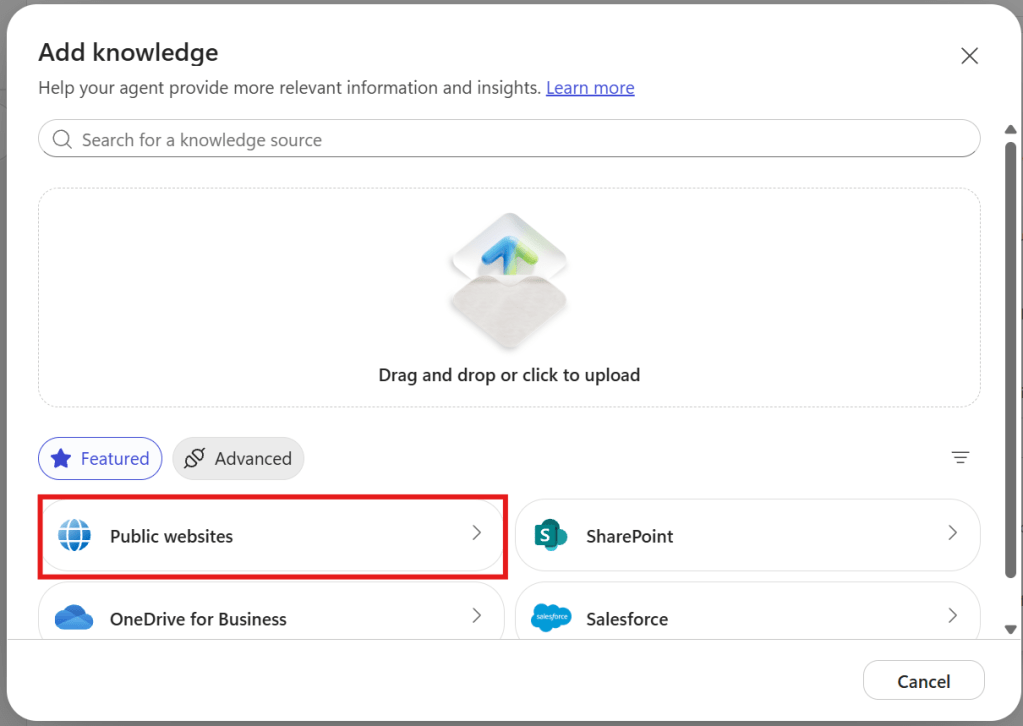
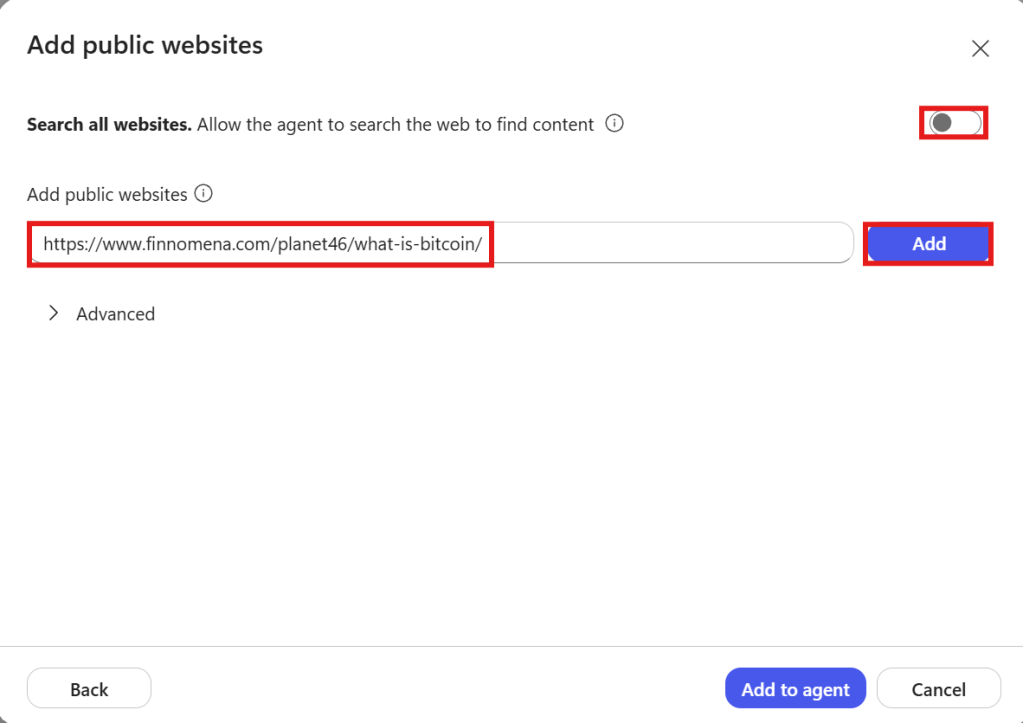
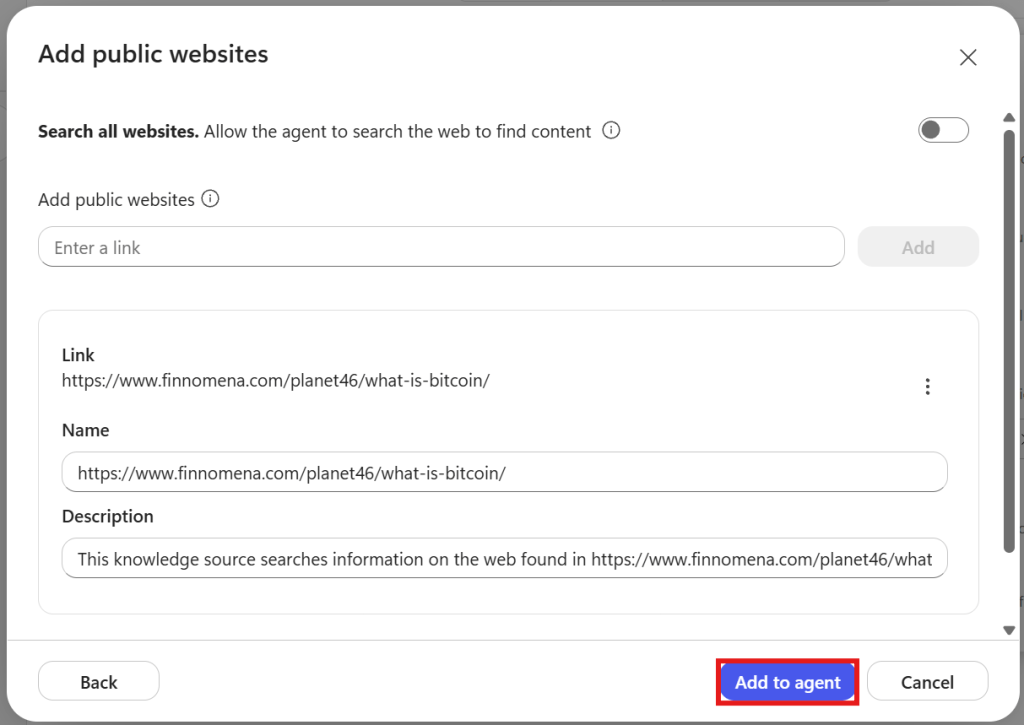
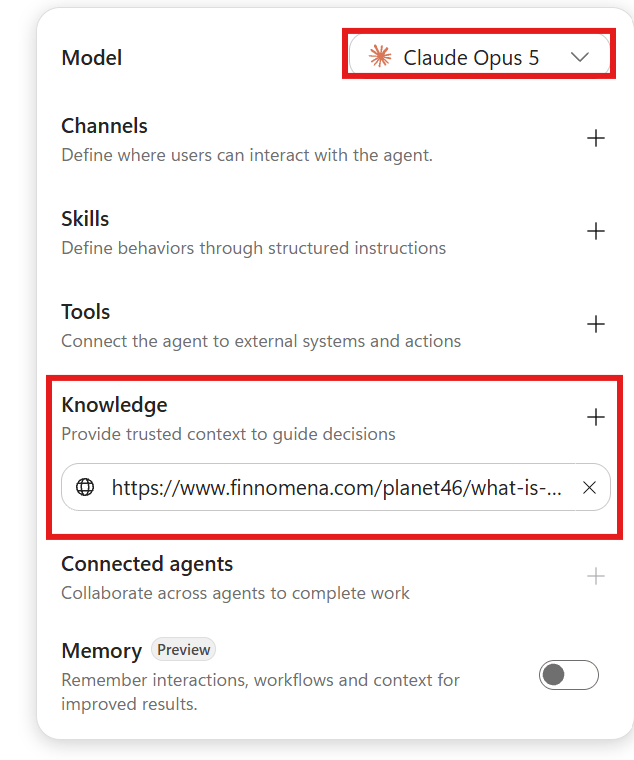
4. Add Knowledge. You can use Public websites, Files, SharePoint, Dataverse, Azure AI Search, etc.
(The website can’t end with a file extension, The website can’t be more than two levels deep)
Example
https://www.finnomena.com/planet46/what-is-bitcoin/
How to count URL level
finnomena. com -> Domain/planet46 -> Level 1/what-is-bitcoin -> Level 2
5. Select the Model and test the Agent.
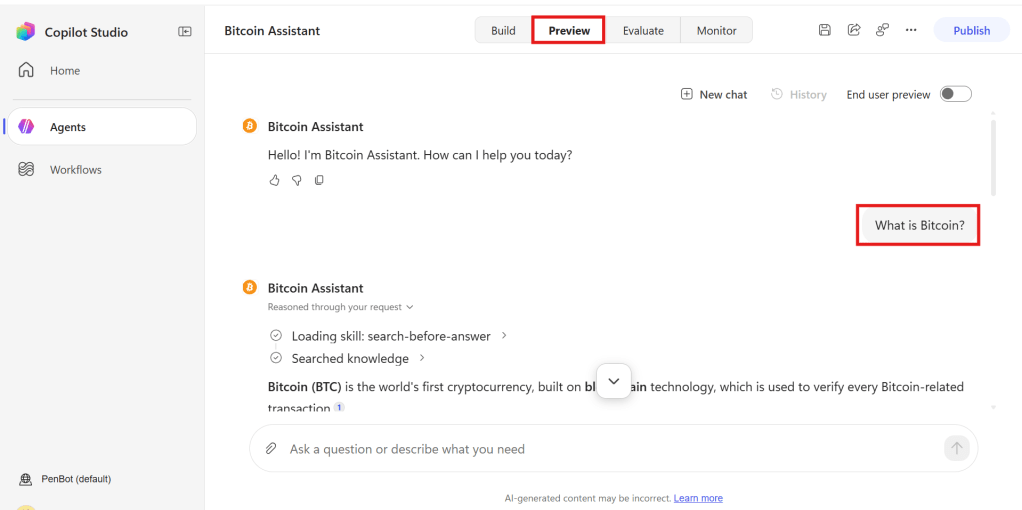
Example
- What is Bitcoin?
- What is the maximum supply of Bitcoin?
- Should we buy Bitcoin?
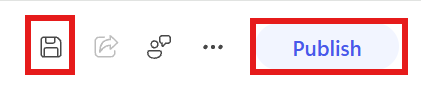
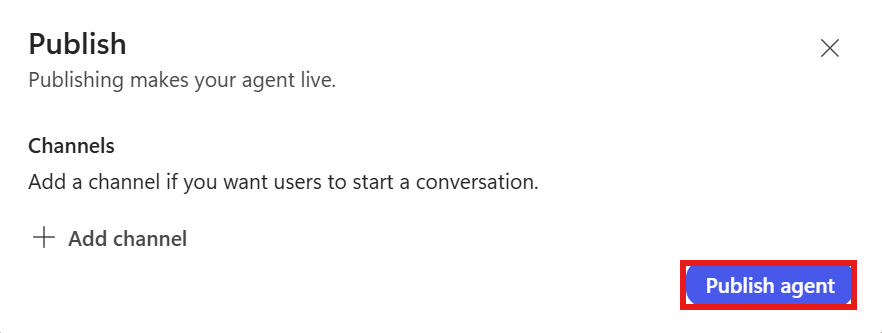
6. Click Save & Publish, Publish Agent
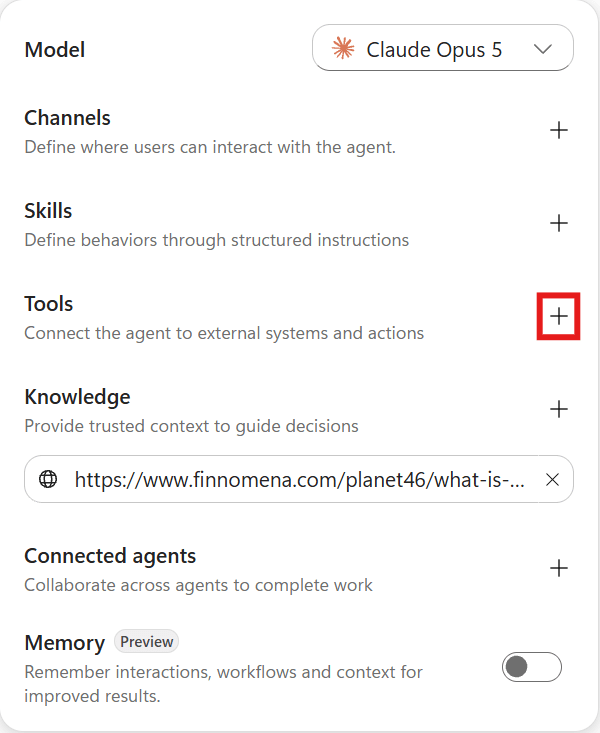
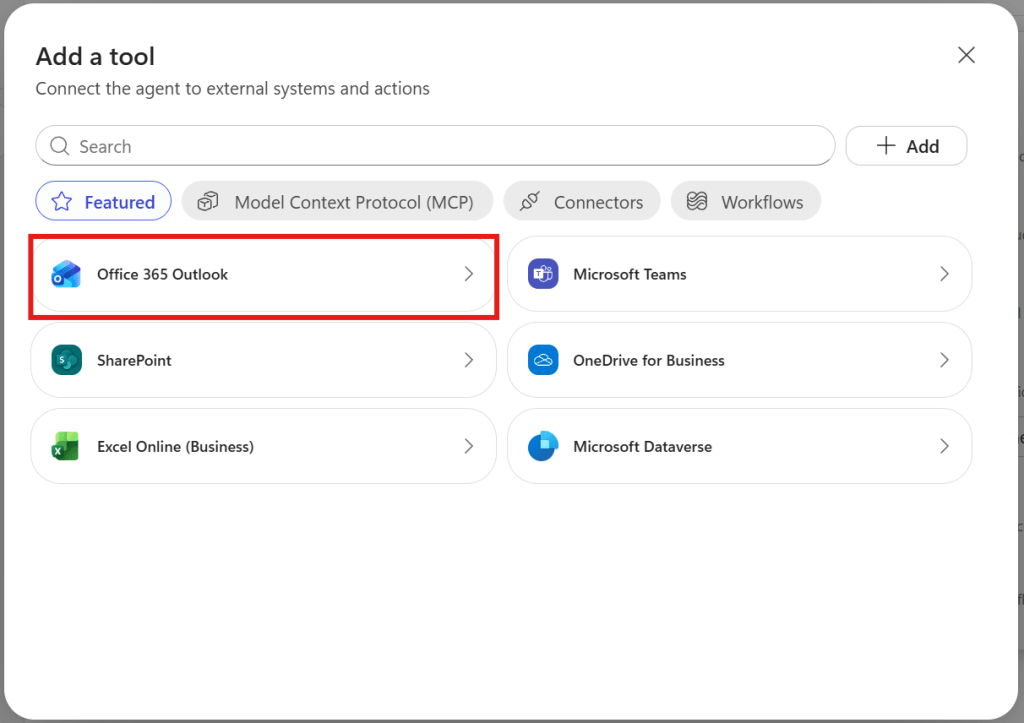
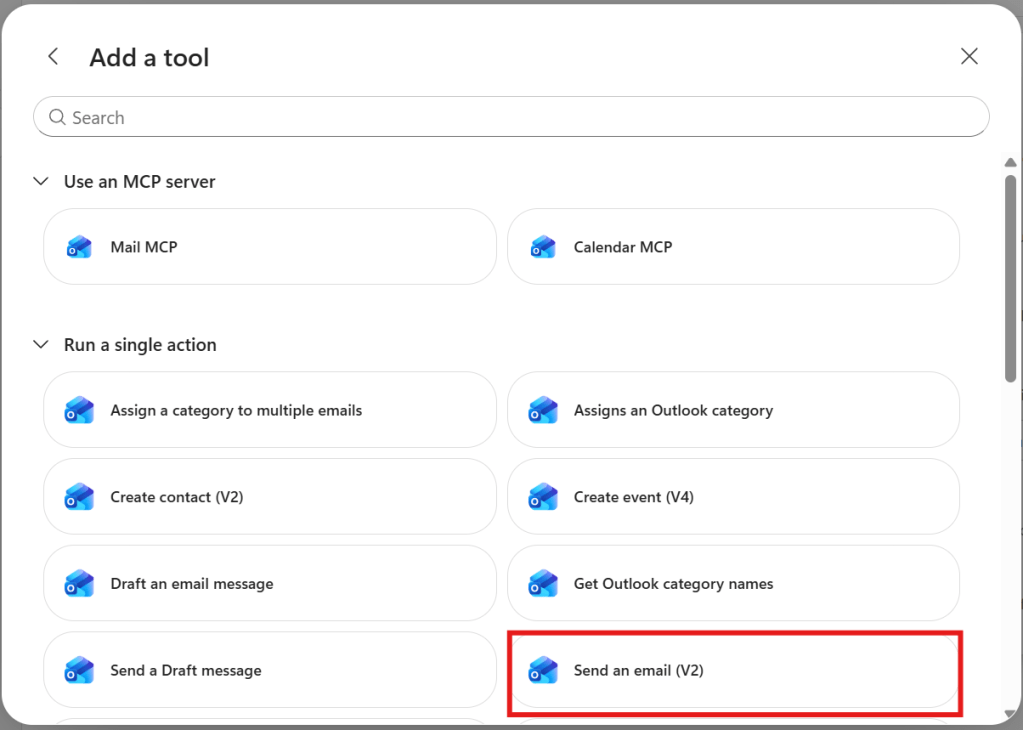
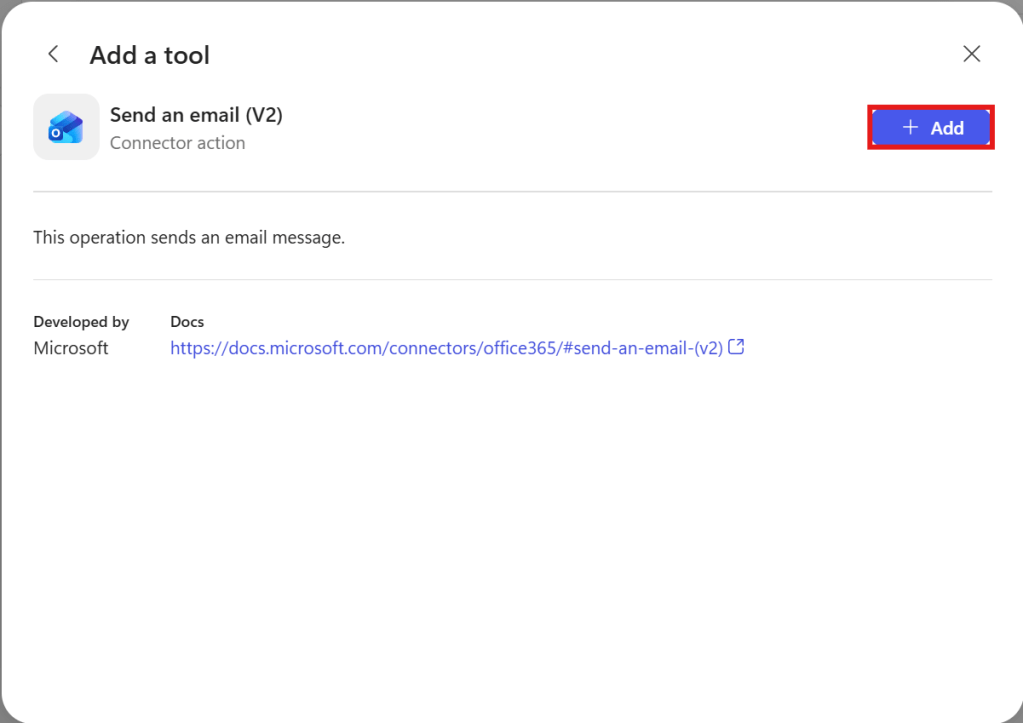
7. Add a Tool, such as Office 365 Outlook > Send an email (V2), and click Add. If you have never created the connector before, add the connector and complete the authentication first.
8. Test it by going to the Preview page and entering a message such as:
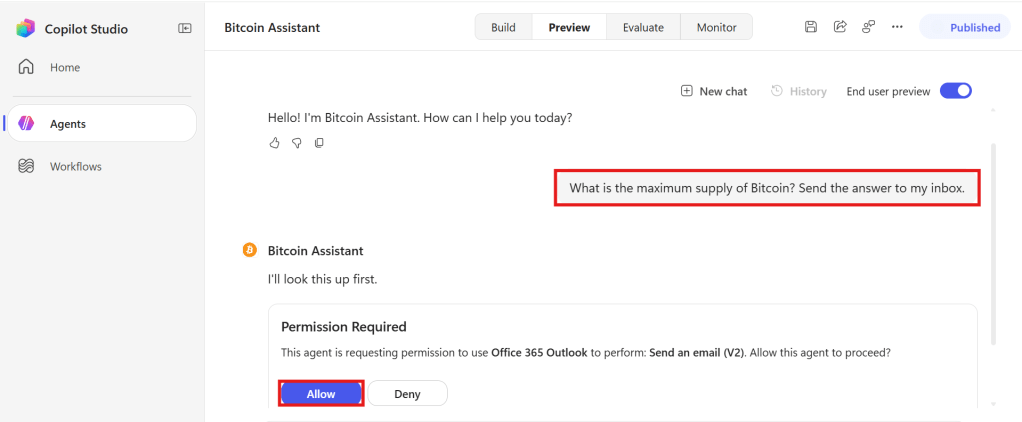
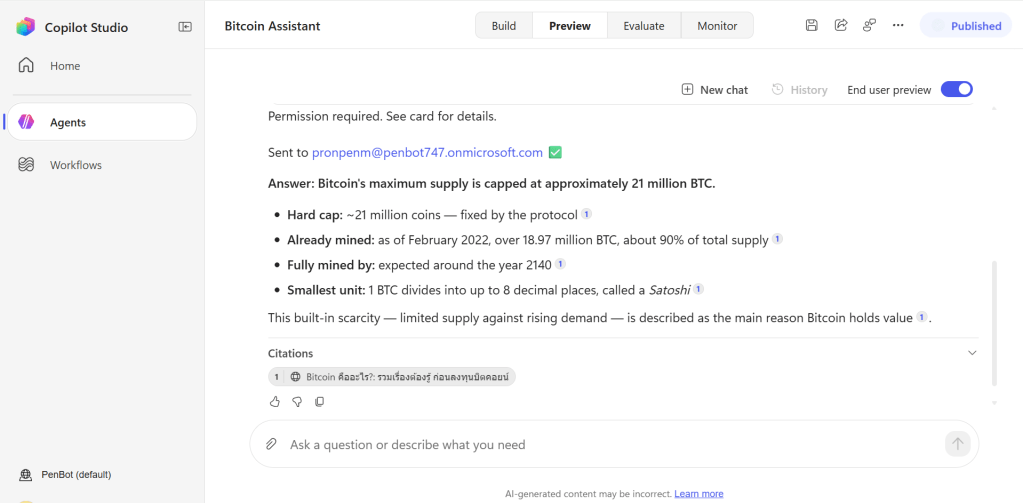
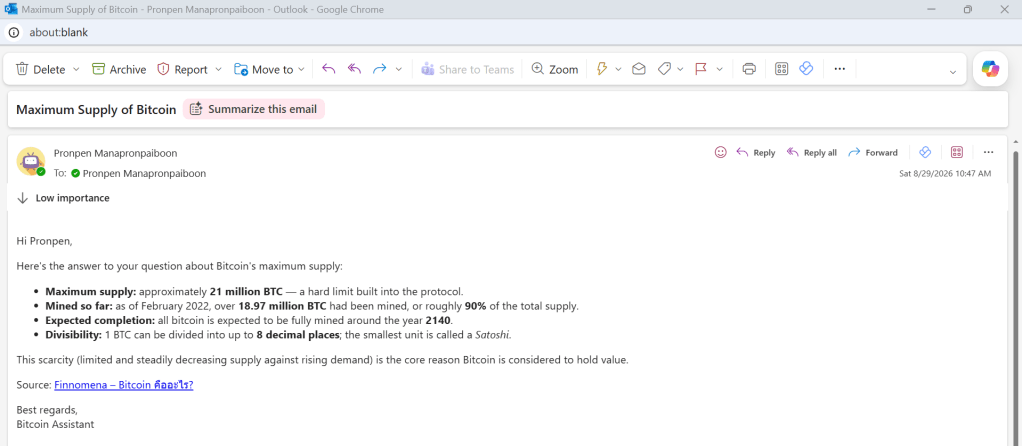
What is the maximum supply of Bitcoin? Send the answer to my inbox.
9. Click Allow permission, then check your inbox.


Leave a Reply