

Control Structure: Sequence
Flow Type: Instant Cloud Flow
Go to Power Automate template and search ‘save my location’ then click the template ‘Save my location to Google Sheet’ as per below image:

Read the description and follow it
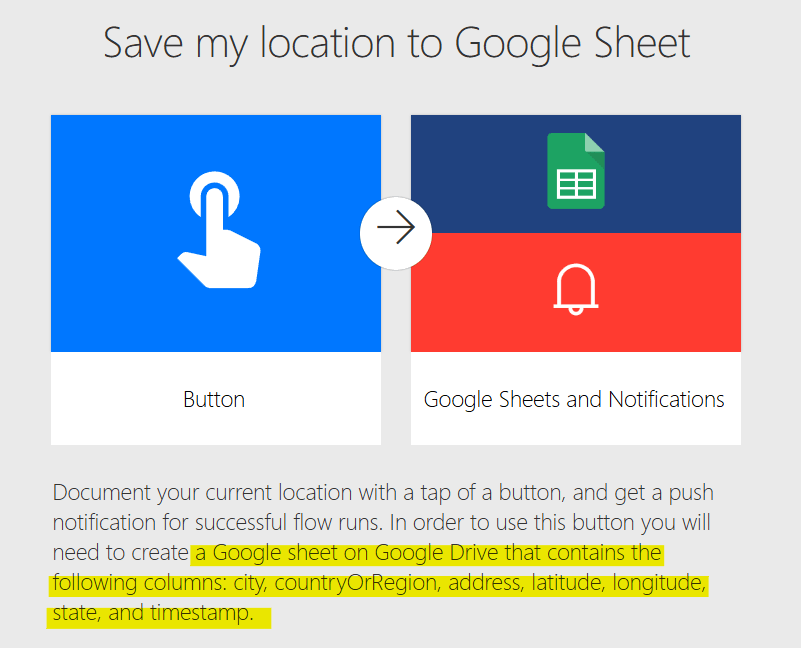
Create Google Sheet on Google drive as per below image:

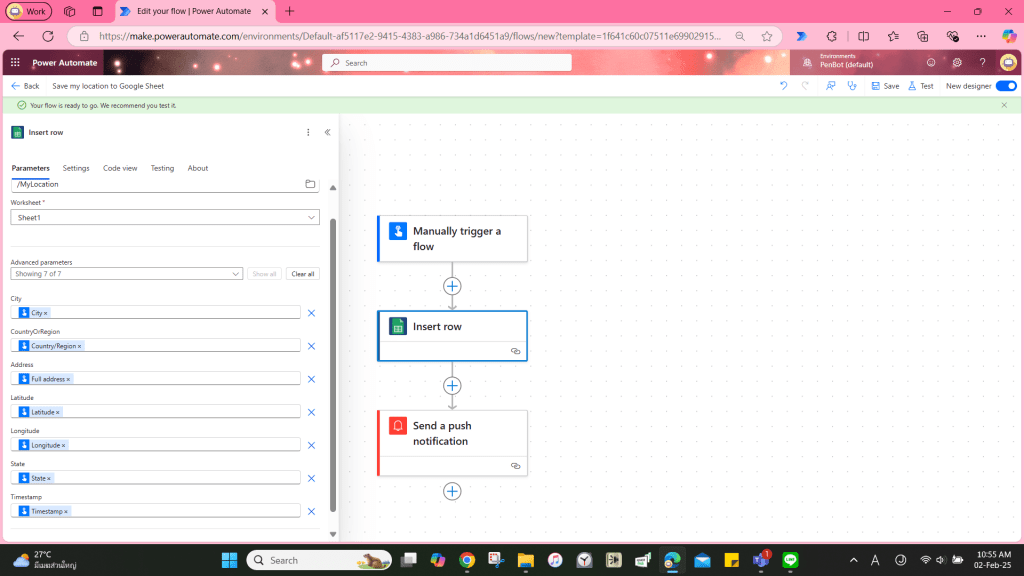
Input parameter ‘File’ and ‘Worksheet’

After select ‘File’ and ‘Sheet’, Power Automate will retrieve field and autofill the dynamic content. However, you must delete the item as per below image:

Save the flow
Test the flow
The result will show as per below image (censored for privacy)



Leave a Reply