
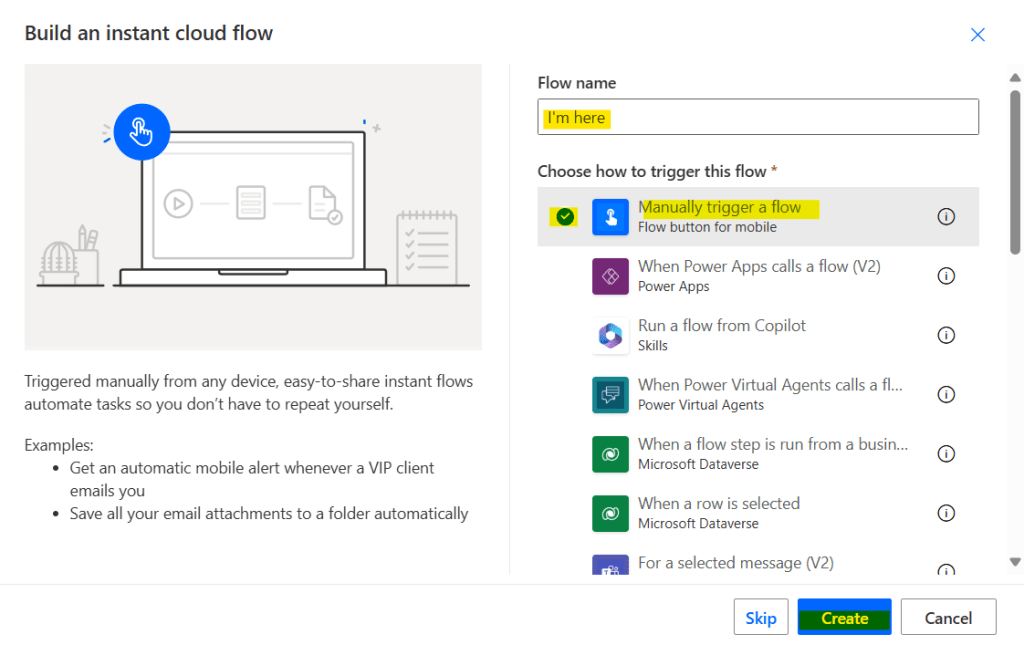
This article will discuss instant cloud flows, focusing on the trigger ‘Manually trigger a flow’.
Name the flow, select trigger and press create button.
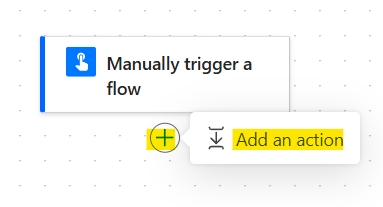
Press + icon and add an action
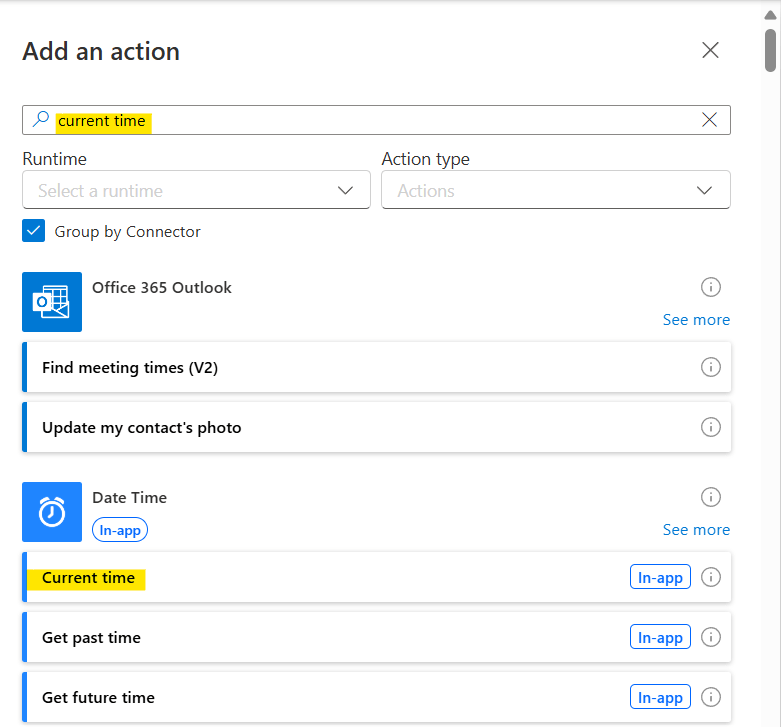
Search action ‘Current time’
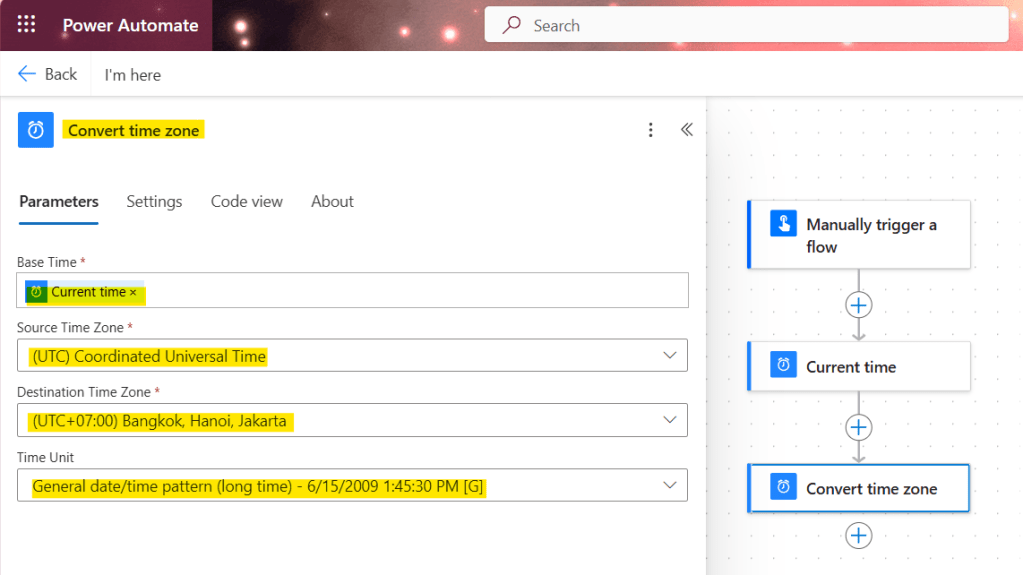
Next, add the action ‘Convert time zone’ insert the dynamic content ‘Current time’ and select the destination time zone and time format
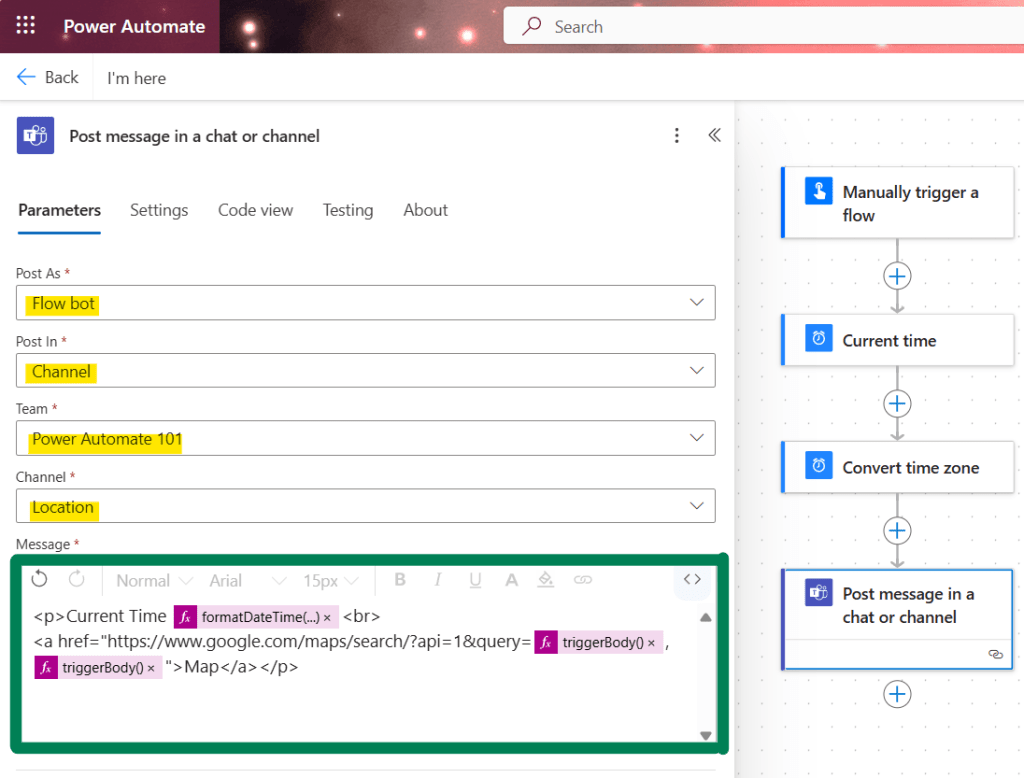
Next, add the action ‘Post message in a chat or channel’, select post as, post in, team, channel and message as per below code block
<p>Current Time @{formatDateTime(body('Convert_time_zone'),'g')}<br>
<a href="https://www.google.com/maps/search/?api=1&query=@{triggerBody()['location']['coordinates']['latitude']},@{triggerBody()['location']['coordinates']['longitude']}">Map</a></p>
The code block demonstrates a Google Map location search using latitude and longitude coordinates, which are replaced with dynamic content from the trigger. You can see Maps URLs Guide here
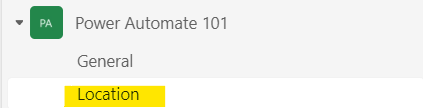
Run the flow and check the results by navigating to the team channel.
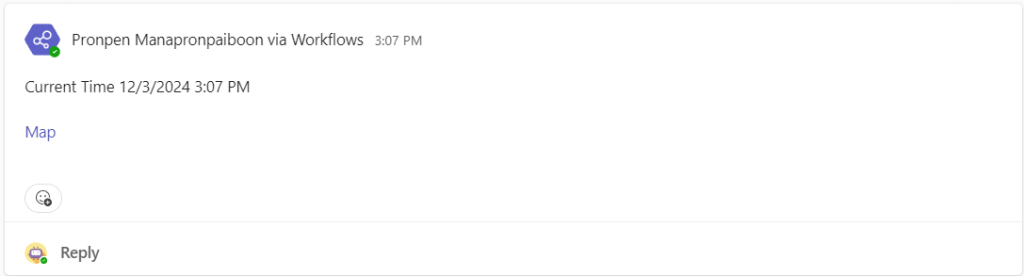
The Flow bot will post a message with a hyperlink to the Google Map location.
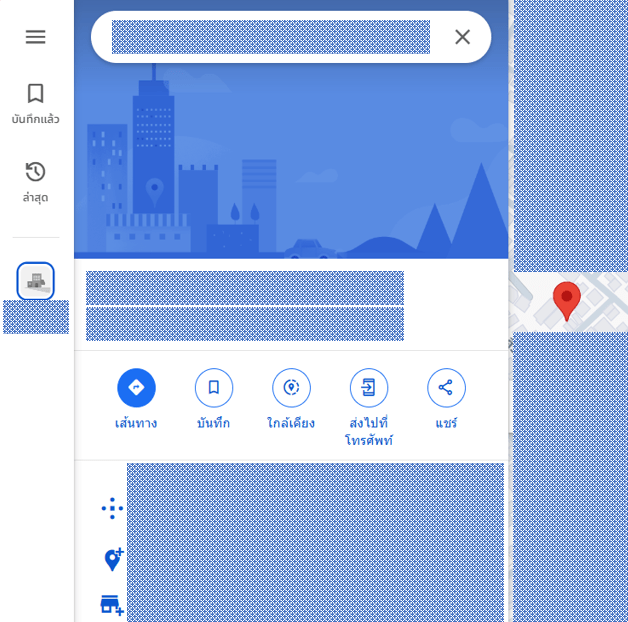
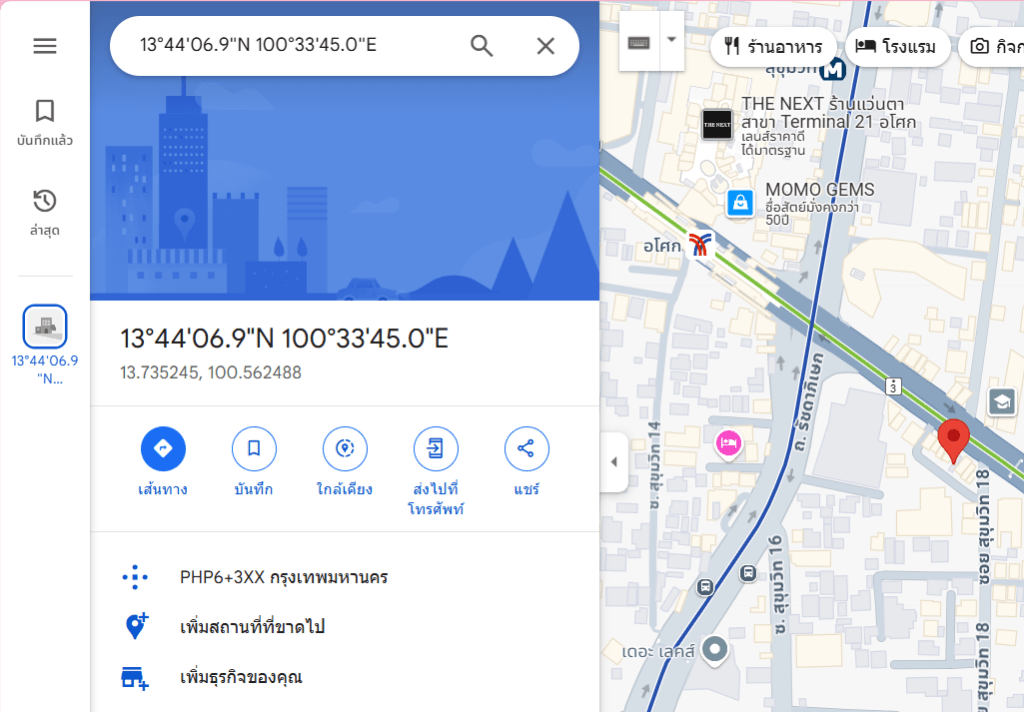
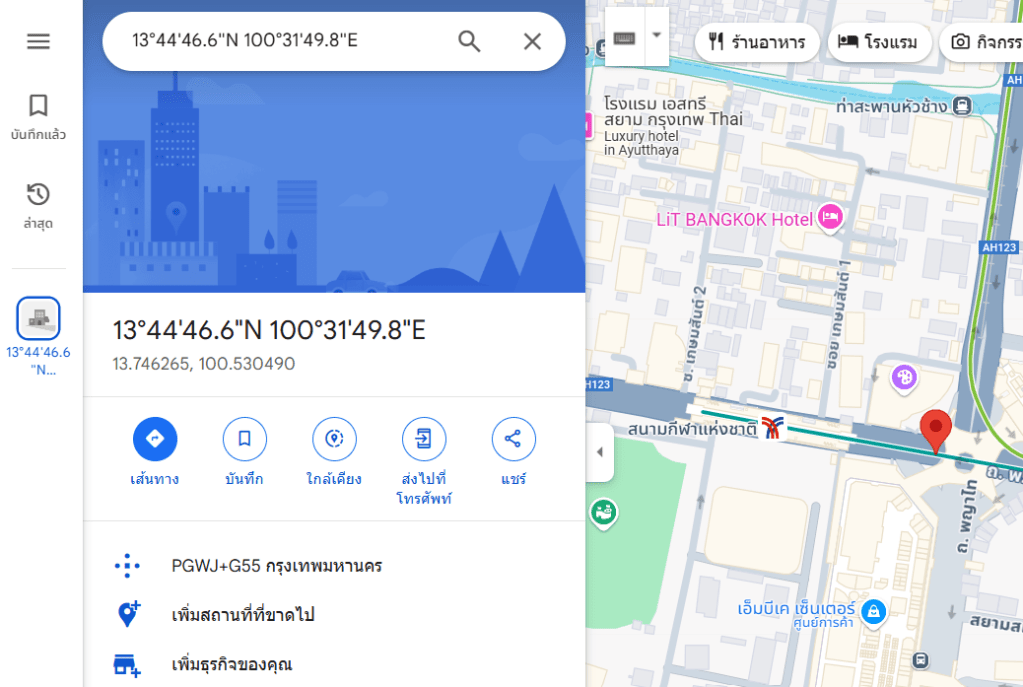
The image below shows the Google Map location of 3 different location.
The first image shows my home (censored for privacy).
The second image shows the location near the BTS Skytrain. I pressed the button on the BTS Skytrain as it departed from Asok station heading to Nana station.
The third image shows the location near the Bangkok Art and Culture Centre (BACC). I pressed the button while I was at BACC.
Until we meet again, Happy Automating!! 😁
 PenBot_RPA
Leave a comment