

In this article, I will share about how to working with web page that automatically open new tab and robot cannot switch to work in the new tab.
The below are working step in this article
- Open website
- Click Link 1 (Browser will open new tab)
- Click Link 2 on the new tab for download file
Example of Failed Flow
Below image is example of failed flow with toggle breakpoint (Line 3) before click Link 2 (Line 5) on the new tab.

Below image show that robot can click Link 1 (Line 2) and the new tab had been opened.

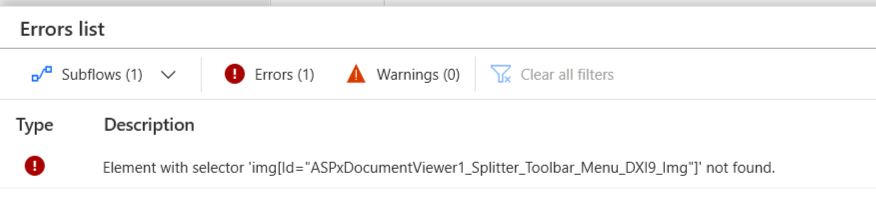
However, if we run after breakpoint, robot will try to find element on previous tab and error to click Link 2 (Line 5).

Solved Flow

Use “Launch new Chrome” action and set parameter as follow:
Launch mode: Attach to running instance
Attach to Chrome tab: Use forground window
Variables produced: Browser2

Edit Web browser instance in “Click link on web page” action

Tips
For Google Chrome
Left Click will open browser in current tab

Middle Click will open browser in new tab (=Ctrl + Left Click)

Hope this article helpful. Happy automating 🙂
 PenBot_RPA
Leave a comment